PDF Extra: Scan, Edit & OCR
PDF Extra is your portable PDF powerhouse. Scan, edit, sign, and convert documents on the go. Ideal for professionals and students needing a comprehensive mobile PDF tool.
1. PDF Extra: Scan, Edit & OCR
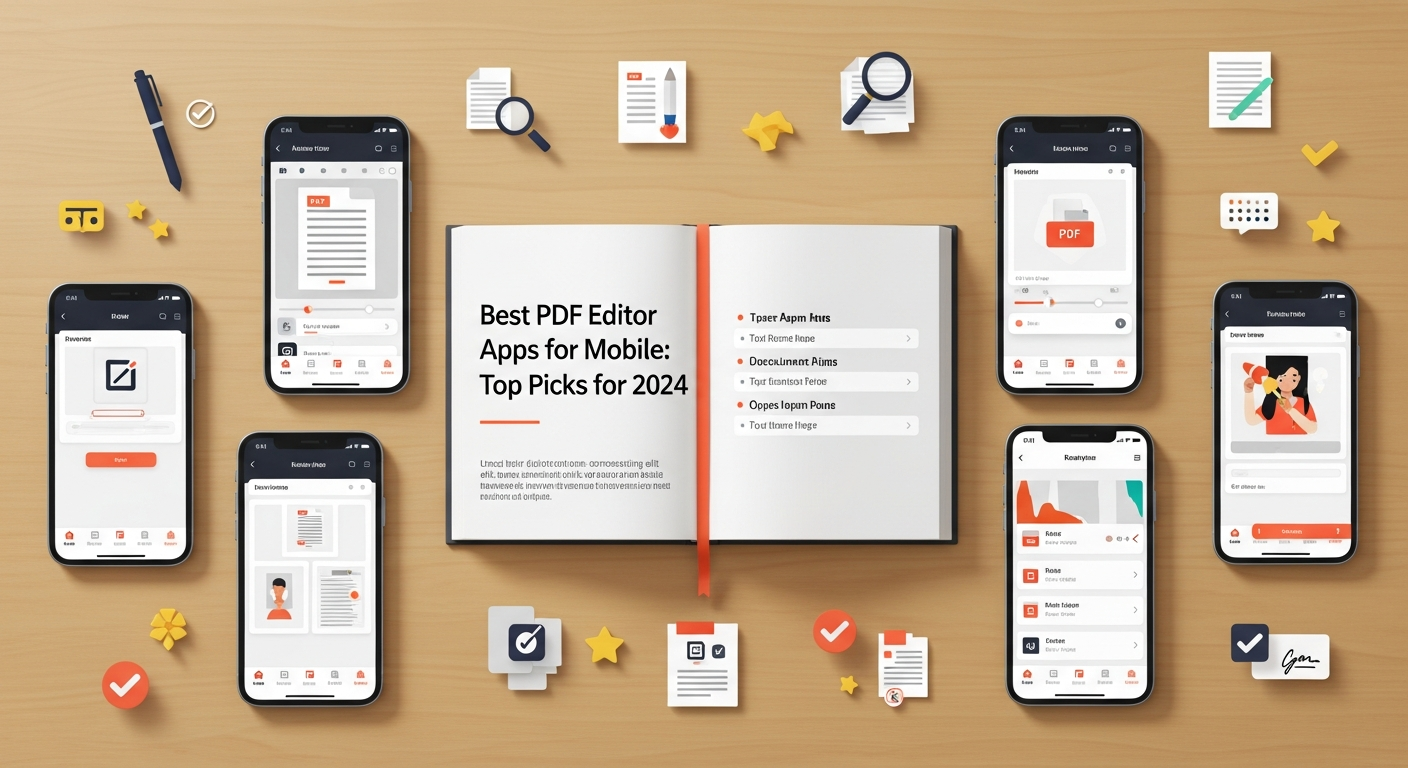
PDF Extra is your portable PDF powerhouse. Scan, edit, sign, and convert documents on the go. Ideal for professionals and students needing a comprehensive mobile PDF tool.
 PDF Extra: Scan, Edit & OCRBusiness - 4.3 ratingView app details
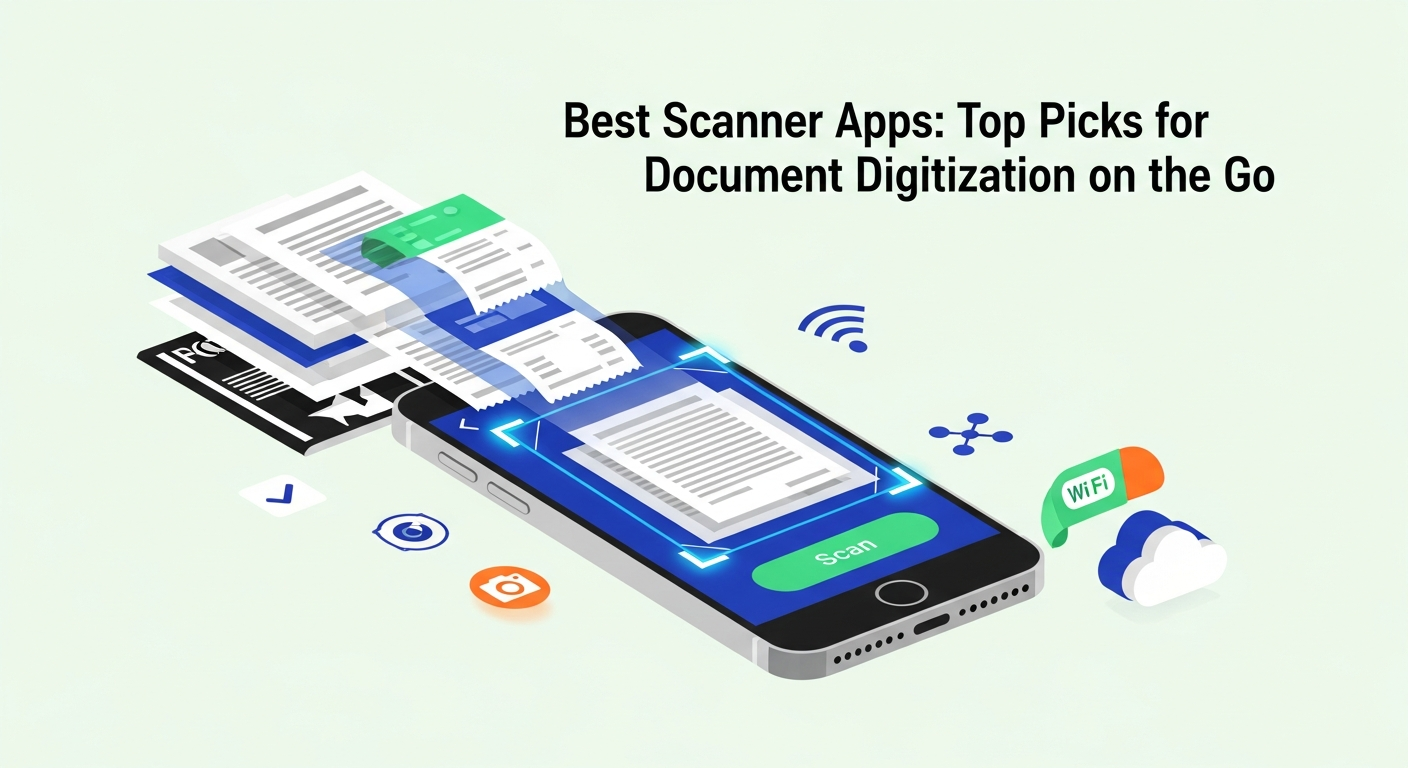
- Effortlessly scan paper documents into editable PDFs with your phone's camera.
- Edit text, images, and pages directly within PDF files, or create new ones.
- Fill out and digitally sign forms, then securely protect your documents with passwords.
- Convert PDFs to Word, Excel, or ePub formats, and vice versa, preserving original formatting.
2. Recent update notes
This latest update refines the core PDF editing and scanning experience. Users will appreciate the improved optical character recognition (OCR) for more accurate text extraction from scanned documents. We've also focused on streamlining the editing process, making it more intuitive and efficient to modify text, images, and page order. Enjoy a more seamless workflow for all your PDF management needs.
- Enhanced OCR accuracy and smoother editing workflows.
3. Common questions
- Is it free? Basic features are free, with advanced tools available via in-app purchase.
- Can I edit text? Yes, you can edit existing text and add new text.
- How to convert PDF? Use the convert option to change PDF to Word, Excel, or ePub.
- Is my data safe? Yes, you can password-protect sensitive documents.
4. User feedback
- This app is a lifesaver for managing documents on my phone! 🤩 The scanning feature is surprisingly accurate.
- Finally, a PDF editor that does it all. Converting files is a breeze. Highly recommend! 👍