

iSyncr: iTunes to Android✓
- Name :
- iSyncr: iTunes to Android
- Category:
- Music & Audio
- Safety :
- 100% Safe
- Price:
- free
- Developer:
- JRT Studio Music Players
- Download :
- 1M+
Screenshot
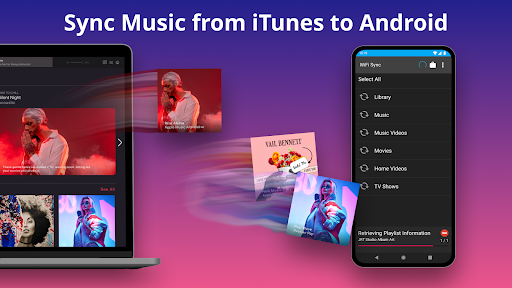

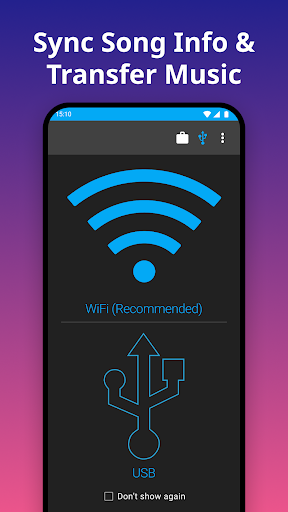
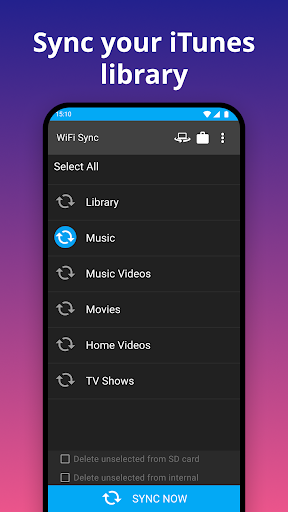
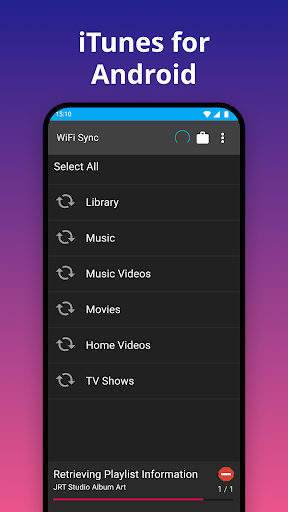
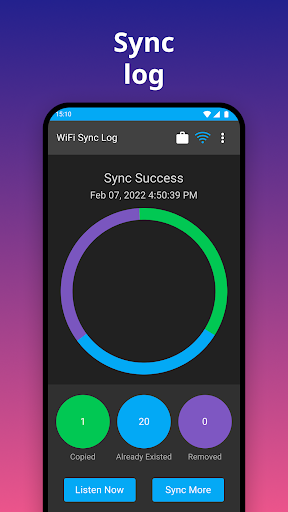
App Intro
iSyncr offers a seamless solution for Android users looking to bridge the gap between their iTunes library and their mobile devices. This application, paired with its desktop counterpart, allows for the free transfer of music, podcasts, and even non-DRM videos from your PC or Mac's iTunes library directly to your Android phone or tablet. It goes beyond simple file transfer by preserving crucial metadata like album art, ratings, play counts, and last played information, ensuring your music library remains organized and reflects your listening habits. Whether you prefer syncing over USB/MTP or wirelessly via WiFi, iSyncr provides flexibility to suit your workflow. While it respects DRM restrictions and will notify you of protected content, it excels at managing your unprotected media, making it a valuable tool for anyone invested in the iTunes ecosystem but preferring the Android platform.
Pros
- Syncs detailed iTunes metadata like ratings and play counts.
- Supports both USB/MTP and WiFi transfer methods.
- Preserves album art and song organization.
- Handles music, podcasts, and non-DRM videos.
- Free version available with optional unlimited upgrade.
Feature Guides
- Sync your entire iTunes library, including playlists, music, podcasts, and non-DRM videos, from your computer to your Android device.
- Preserves detailed song information such as album art, user ratings, play counts, and skip history.
- Offers flexible syncing options, allowing transfers via USB/MTP connection or wirelessly over WiFi.
- The free version supports syncing up to 100 songs per playlist, with an option to unlock unlimited syncing via in-app purchase.
Recent Improvements
Recent updates to iSyncr have focused on refining the user experience and enhancing stability across various Android versions and device types. The developers have paid close attention to feedback regarding connection reliability, particularly for WiFi transfers, which have seen noticeable improvements. Additionally, the interface has been subtly tweaked for better intuitiveness, making the syncing process even more straightforward for new and existing users alike. Efforts have also been made to optimize performance, ensuring quicker sync times and reduced battery consumption during transfers. These adjustments collectively contribute to a smoother and more dependable music synchronization experience.
User reviews
Finally, a way to get my meticulously organized iTunes library onto my Android phone! The metadata sync is spot on, and I love that it keeps my ratings and play counts. WiFi sync is a game-changer! 🎶
Works as advertised! Took a little while to set up the desktop app, but once it was running, syncing my music was a breeze. Happy to have my playlists back on my phone. 😊
 triple jMusic & Audio
 Apple MusicMusic & Audio
 Bose ConnectMusic & Audio
 Groovepad - music & beat makerMusic & Audio
 USB Audio Player PROMusic & Audio
 Audio Evolution Mobile StudioMusic & Audio
 Google PodcastsMusic & Audio
 YouTube MusicMusic & Audio
 Hubhopper - Start your podcastMusic & Audio
 Violy SyncedDemo & MusicSheetMusic & Audio
 iReal ProMusic & Audio
 rova – radio, music & podcastsMusic & Audio
 Mixcloud - Music, Mixes & LiveMusic & Audio
 TREBEL: Music, MP3 & PodcastsMusic & Audio
 Podcast Player App - PodbeanMusic & Audio
 Qello ConcertsMusic & Audio
 Radio FMMusic & Audio
 Pulsar Music Player ProMusic & Audio
 Scanner Radio - Police ScannerMusic & Audio
 Shazam: Music DiscoveryMusic & Audio