
Google Drive✓
- Name :
- Google Drive
- Category:
- Productivity
- Safety :
- 100% Safe
- Price:
- free
- Developer:
- Google LLC
- Download :
- 5B+
Screenshot
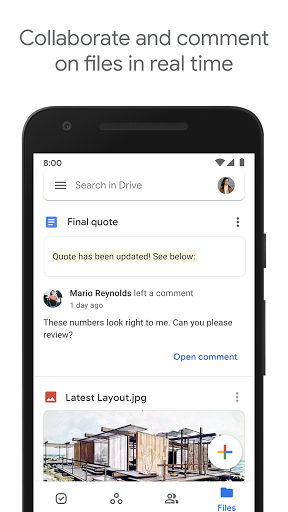
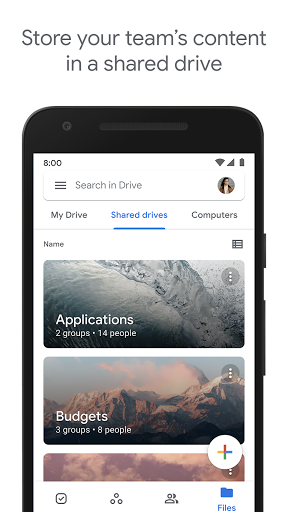
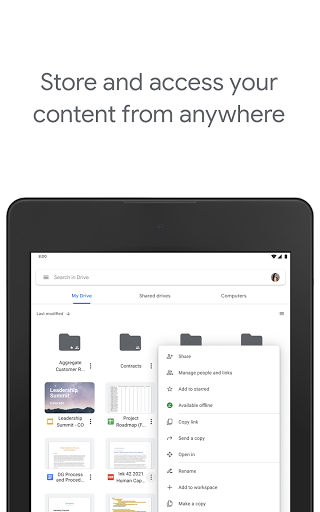
App Intro
Google Drive offers a robust cloud storage solution, seamlessly integrated with the Google Workspace ecosystem. It serves as a secure vault for your digital life, allowing you to back up and access files from any device, anytime. Whether you're a student managing assignments, a professional collaborating on projects, or an individual safeguarding personal memories, Drive provides a centralized hub. Its intuitive interface and powerful search capabilities make finding documents, photos, or videos a breeze. Beyond personal use, it excels in collaborative environments, enabling easy sharing with granular control over viewing and editing permissions. For businesses, Google Workspace enhances Drive with advanced management features crucial for data compliance and team efficiency. With 15GB of free storage, it's an accessible option for most users, with affordable upgrade paths for those needing more space.
Pros
- Secure and reliable cloud storage.
- Seamless cross-device file access.
- Effortless collaboration and sharing features.
- Powerful search including document content.
- Generous free storage with upgrade options.
Feature Guides
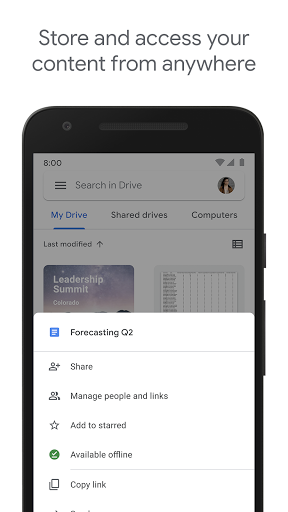
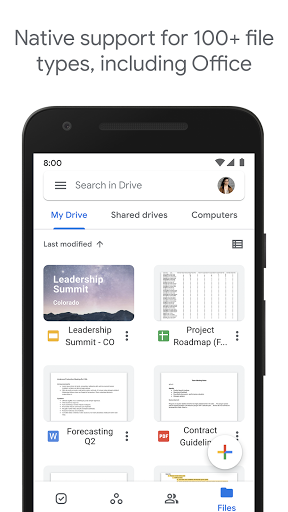
- Access your entire digital library from your phone, tablet, or computer. Google Drive ensures your important documents, photos, and videos are always within reach, no matter where you are.
- Collaborate effortlessly with colleagues, friends, or family. Share files and folders with specific people and control whether they can view, comment, or edit, streamlining teamwork.
- Never lose a document again. Use your device's camera to scan paper documents, receipts, or notes, transforming them into searchable PDFs stored securely in the cloud.
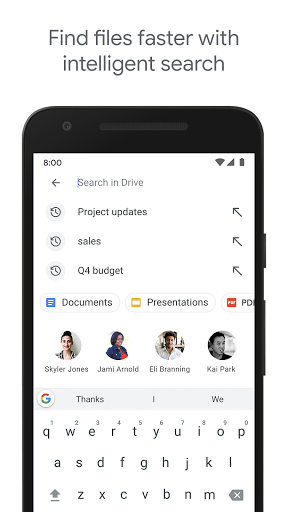
- Find what you need instantly. Drive's powerful search function not only looks for file names but also scans the content within your documents, saving you valuable time.
Recent Improvements
Recent updates have focused on enhancing the collaborative experience, making it even smoother to share and work on documents in real-time. Performance optimizations ensure quicker access to your files and a more responsive feel, especially when dealing with large folders or numerous documents. The scanning feature has also seen refinements, improving accuracy and ease of use for digitizing physical items. These thoughtful adjustments continue to solidify Drive's position as a reliable and efficient cloud storage solution for both personal and professional use.
User reviews
Absolutely love how easy it is to access all my work documents from anywhere! The offline mode is a lifesaver for commutes. 🚀
Google Drive has become my go-to for organizing everything. Sharing folders with my study group is so simple, and I never worry about losing my notes anymore. 😊
 Perplexity - Ask AnythingProductivity
 DAVx⁵ – CalDAV CardDAV WebDAVProductivity
 myGovProductivity
 Express Plus CentrelinkProductivity
 myGovIDProductivity
 AI Speech Chatbot Text & VoiceProductivity
 CompanyCamProductivity
 AOL: Email News Weather VideoProductivity
 Easy Voice Recorder ProProductivity
 Email - Fast & Secure MailProductivity
 Lookout - Assisted visionProductivity
 Google AssistantProductivity
 Google CalendarProductivity
 Instabridge: WiFi MapProductivity
 ChatAI:AI Chatbot PlusProductivity
 LiveChat - Customer serviceProductivity
 Link to WindowsProductivity
 MiXplorer Silver File ManagerProductivity
 Penly: Digital Planner & NotesProductivity
 Pushbullet: SMS on PC and moreProductivity