

Messages by Google✓
- Name :
- Messages by Google
- Category:
- Communication
- Safety :
- 100% Safe
- Price:
- free
- Developer:
- Google LLC
- Download :
- 1B+
Screenshot
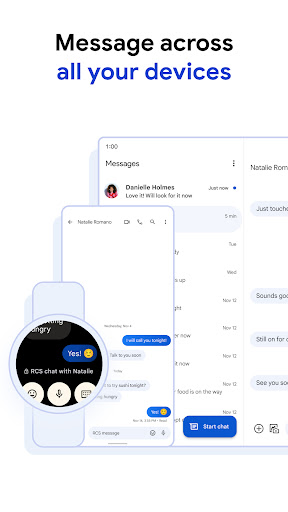
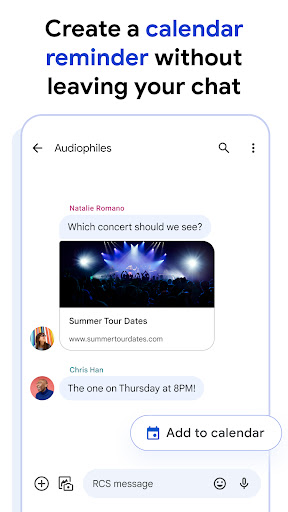
App Intro
Messages by Google is your go-to app for modern communication, built on the foundation of Rich Communication Services (RCS) while seamlessly falling back to SMS/MMS when needed. It aims to enhance your everyday conversations by offering smart features that streamline tasks and boost security. Imagine getting one-tap reminders for calendar events directly in your chat or responding with a quick emoji – it’s all about making messaging more efficient. Beyond convenience, the app prioritizes your privacy with robust spam protection and end-to-end encryption, ensuring your personal exchanges remain confidential. Whether you're chatting with friends, family, or businesses, Messages by Google provides a richer, safer, and more connected experience across all your devices, making it a compelling download for anyone looking to upgrade their messaging game.
Pros
- Enhanced messaging with RCS features.
- Strong security with end-to-end encryption.
- Smart features like suggested replies.
- Cross-device functionality for seamless access.
- Effective spam protection and website warnings.
Feature Guides
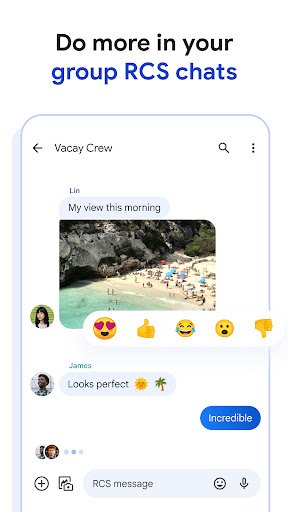
- Experience enhanced messaging with RCS, offering features like typing indicators, read receipts, and the ability to share high-resolution images and videos without quality loss. Group chats are also made easier to manage, letting you add participants effortlessly.
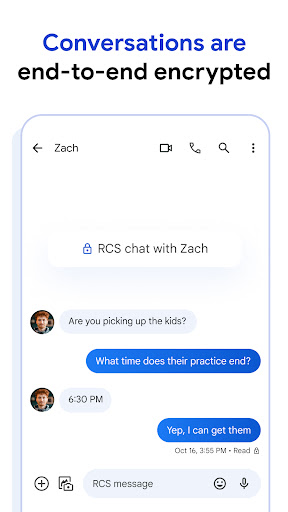
- Keep your conversations private and secure. Eligible communications are protected by end-to-end encryption, meaning only you and your intended recipient can read your messages and view attachments. Google and third parties cannot access this content.
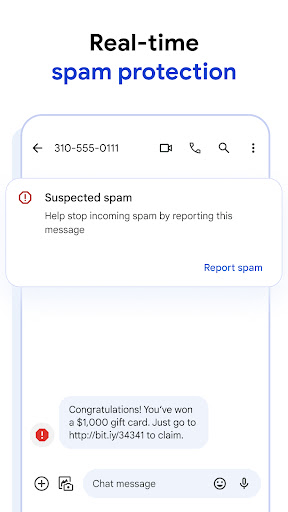
- Navigate the digital world more safely with built-in warnings for suspicious websites, helping you avoid potential phishing attempts or malicious links before you even click them. You can also easily block and report spam or fraudulent messages.
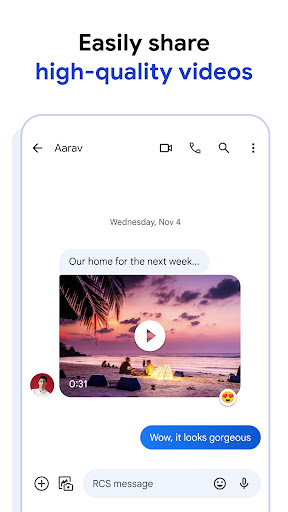
- Seamlessly integrate your Google Photos library to share videos directly within your conversations, enhancing your ability to express yourself and share moments without leaving the app. Enjoy quick access to suggested replies, GIFs, and emojis to liven up your chats.
Recent Improvements
Recent updates to Messages by Google have focused on refining the user experience, making interactions smoother and more intuitive. The integration of smart features, such as one-tap calendar reminders and suggested replies, continues to evolve, offering more contextual assistance within conversations. Efforts have also been made to enhance the overall stability and performance of the app, ensuring that both RCS and traditional messaging functionalities operate reliably across a wide range of devices. The focus remains on providing a secure and feature-rich messaging platform that simplifies communication.
User reviews
I love how this app makes messaging so much smarter! The suggested replies save me so much time during busy days, and the spam protection gives me peace of mind. Sharing photos is a breeze too! 💯
Finally, a messaging app that feels up-to-date. RCS features are great, and it works seamlessly across my phone and laptop. The encryption is a huge plus for privacy concerns. Definitely recommend this app. 👍
 ThreemaCommunication
 moboCommunication
 Burner: Second Phone NumberCommunication
 Phoner 2nd Phone Number + TextCommunication
 ZangiCommunication
 MessagesCommunication
 CC200Communication
 BoostOneCommunication
 Portable WiFi - Mobile HotspotCommunication
 EtherMailCommunication
 Ding Top-up: Mobile RechargeCommunication
 Messenger Kids – The MessagingCommunication
 MyFrontierCommunication
 Glide - Video Chat MessengerCommunication
 Google VoiceCommunication
 Google MeetCommunication
 GmailCommunication
 GroupMeCommunication
 Kogan Mobile New ZealandCommunication
 Ooredoo SuperApp: Do it all!Communication