
Video Editor APP - VivaCut✓
- Name :
- Video Editor APP - VivaCut
- Category:
- Video Players & Editors
- Safety :
- 100% Safe
- Price:
- free
- Developer:
- VivaCut professional video editor
- Download :
- 100M+
Screenshot
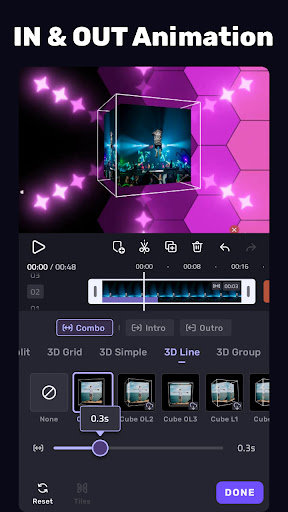
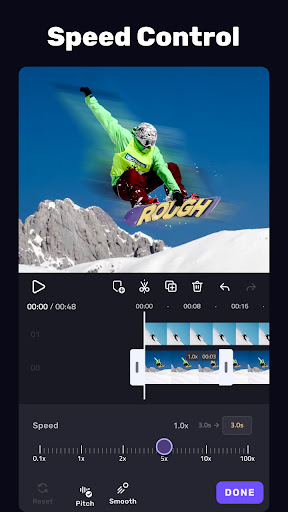
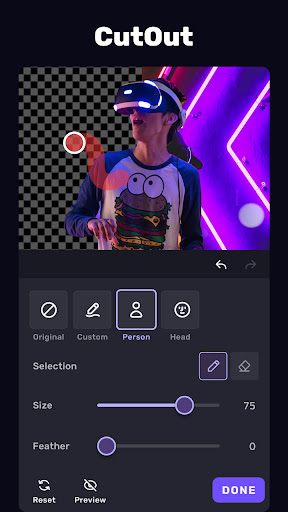
App Intro
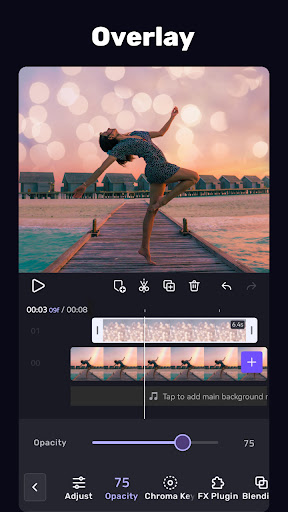
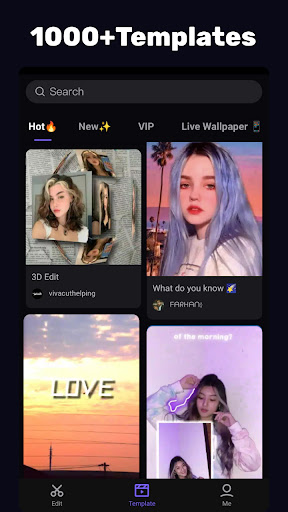
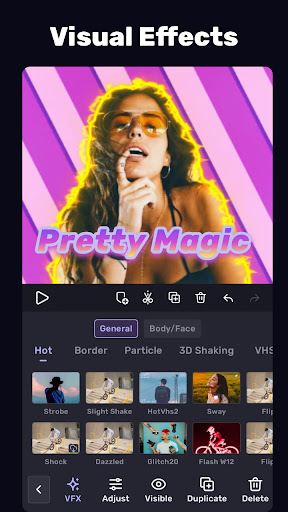
VivaCut is a robust video editing application designed for both casual users looking to create engaging short videos and aspiring filmmakers needing professional-grade tools. Whether you aim to craft a cinematic masterpiece or simply share fun moments with friends, VivaCut offers a comprehensive suite of features. Its intuitive interface supports multi-layer timelines, chroma keying, and sophisticated animation, enabling the creation of high-quality videos for platforms like YouTube, Instagram, and TikTok. For content creators seeking to boost their social media presence, this app provides the means to produce eye-catching visuals with unique filters and effects, making it a standout choice in the crowded video editing market.
Pros
- Offers professional-level editing tools on mobile.
- Powerful chroma key and animation features.
- Intuitive multi-layer timeline interface.
- Supports custom music and audio extraction.
- Multiple export resolutions up to 4K.
Feature Guides
- Achieve Hollywood-level video effects with the powerful Green Screen/Chroma key feature, allowing seamless video mixing and background replacement.
- Bring your videos to life with Keyframe Animation, offering precise control over masks, text, stickers, and more for a professional aesthetic.
- Utilize advanced masking tools, including linear, mirror, and radial options, to expertly craft specific scenes within your videos.
- Synchronize your edits with the Music Marker, enabling you to add effects and transitions that perfectly align with your audio track's rhythm.
- Enhance your audio editing capabilities by extracting sound from videos, providing a versatile tool for adding music and sound effects.
Recent Improvements
Recent updates have focused on refining the user experience, particularly around the multi-layer timeline and keyframe animation tools, making complex edits more accessible. Performance enhancements have also been implemented, leading to smoother playback and faster rendering, especially for projects with numerous effects and overlays. The app's integration of music and audio editing has been streamlined, offering quicker ways to import and sync audio tracks. These refinements aim to provide a more fluid and efficient editing process for all users, from beginners to advanced creators.
User reviews
This app is seriously powerful! I love the multi-layer timeline and the green screen effects are surprisingly good for a mobile editor. Makes my TikToks look way more professional. ✨
Finally, a video editor that doesn't compromise on features. The keyframe animation is a game-changer for adding smooth motion to text and stickers. Highly recommend for anyone serious about video content. 👍
 YouTubeVideo Players & Editors
 PutMask - Hide Faces In VideosVideo Players & Editors
 YTV Player ProVideo Players & Editors
 YI IoTVideo Players & Editors