

Messages✓
- Name :
- Messages
- Category:
- Communication
- Safety :
- 100% Safe
- Price:
- free
- Developer:
- Text Messaging
- Download :
- 5M+
Screenshot

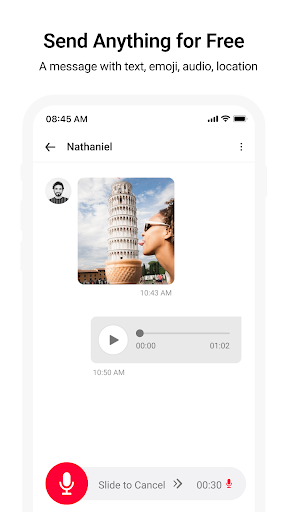
App Intro
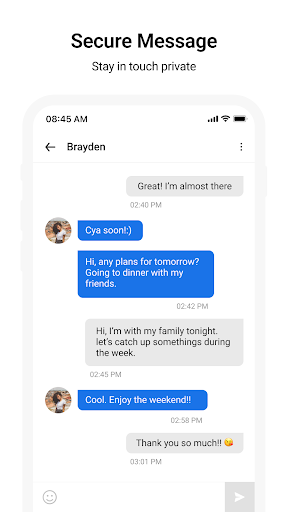
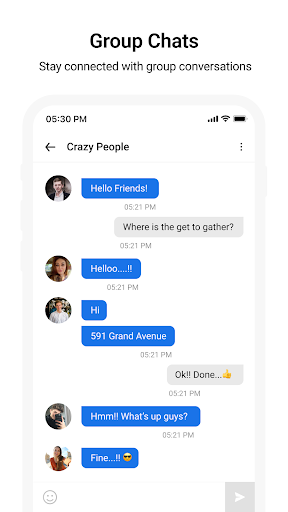
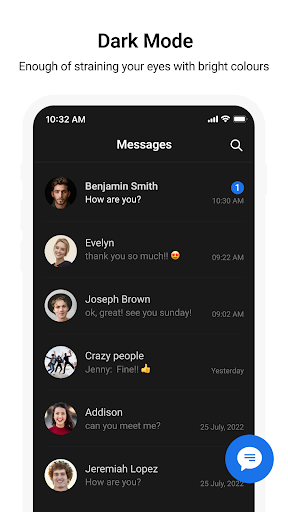
Messages is a robust, free SMS and MMS application designed to replace your default texting experience with enhanced features and a cleaner interface. It allows you to send and receive text and multimedia messages without needing an internet connection, making it a reliable communication tool for everyone. Whether you're sending a quick photo, a fun emoji, or a detailed message, this app ensures your communication is seamless and enjoyable. It's particularly well-suited for Android users looking for a more powerful, customizable, and private messaging solution that goes beyond basic functionality, offering features like message blocking, extensive theming options, and even scheduled sending.
Pros
- No internet required for SMS/MMS.
- Extensive customization options for themes.
- Effective spam and contact blocking.
- Scheduled messaging feature included.
- Enhanced walking mode with AR.
Feature Guides
- Send text and multimedia messages without requiring an internet connection, ensuring you can always stay in touch.
- Customize your messaging experience with a wide array of themes, chat bubble colors, and background wallpapers.
- Block unwanted contacts and spam messages directly within the app to maintain a clutter-free inbox.
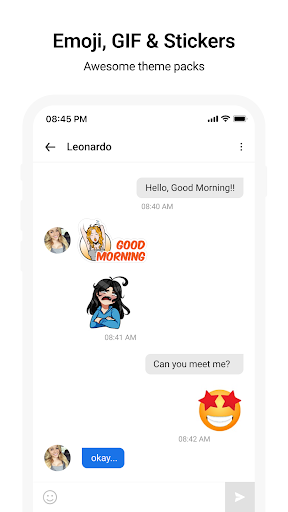
- Utilize a variety of stylish emojis and stickers to express yourself more vividly in conversations.
- Benefit from features like scheduled messages and an after-call overview to manage your communications efficiently.
Recent Improvements
Recent updates have focused on refining the user experience, particularly with the introduction of an enhanced walking mode that uses augmented reality to help you stay aware of your surroundings while texting. The app also boasts improved stability for message sending and delivery confirmations, ensuring you have greater peace of mind. Further customization options for themes and chat backgrounds have been added, allowing for a more personalized feel. We've also worked on streamlining the interface for quicker access to core functions, making it even easier to manage your messages on the go.
User reviews
This app is a lifesaver! I love how customizable it is, and the ability to block spam texts is fantastic. Finally, a messaging app that feels truly mine! 👍
Really impressed with the speed and reliability. Sending pictures and emojis is just as smooth as regular texts, and I haven't missed a message since switching. Great job! 💯
 ThreemaCommunication
 moboCommunication
 Burner: Second Phone NumberCommunication
 Phoner 2nd Phone Number + TextCommunication
 ZangiCommunication
 CC200Communication
 BoostOneCommunication
 Portable WiFi - Mobile HotspotCommunication
 EtherMailCommunication
 Ding Top-up: Mobile RechargeCommunication
 Messenger Kids – The MessagingCommunication
 MyFrontierCommunication
 Glide - Video Chat MessengerCommunication
 Google VoiceCommunication
 Messages by GoogleCommunication
 Google MeetCommunication
 GmailCommunication
 GroupMeCommunication
 Kogan Mobile New ZealandCommunication
 Ooredoo SuperApp: Do it all!Communication