
Photoleap: Photo Editor/AI Art✓
- Name :
- Photoleap: Photo Editor/AI Art
- Category:
- Art & Design
- Safety :
- 100% Safe
- Price:
- free
- Developer:
- Lightricks Ltd.
- Download :
- 5M+
Screenshot
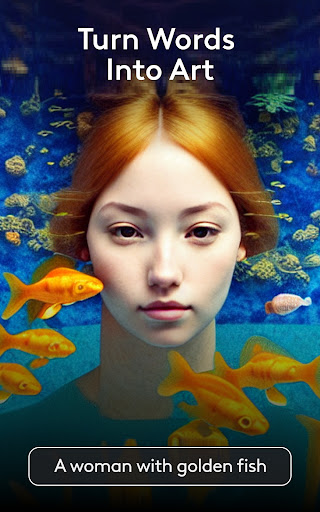
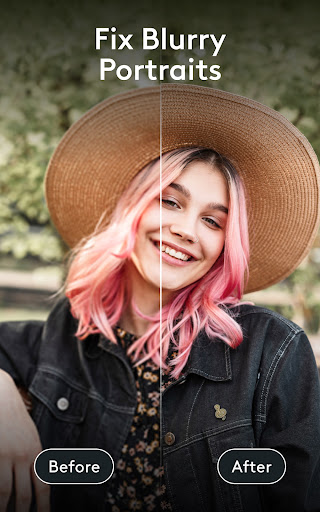
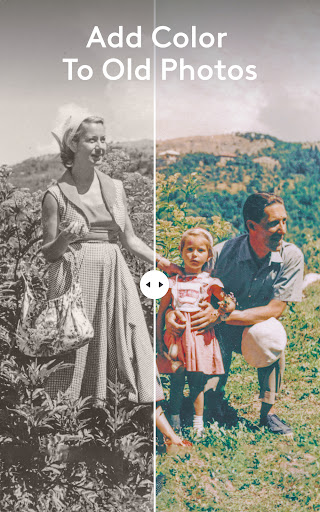
App Intro
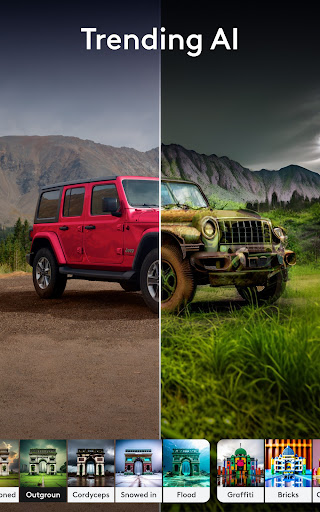
Photoleap emerges as a robust and versatile application for anyone looking to elevate their digital creations, whether that involves intricate digital art or breathing new life into existing photographs. This all-in-one AI art app is designed to be incredibly accessible, putting powerful editing tools, graphic design capabilities, and advanced AI features right at your fingertips. For hobbyists and professionals alike, Photoleap offers a comprehensive suite of functionalities, from classic photo enhancements like color correction and sharpening to cutting-edge features such as AI-driven image generation, photo animation, and sophisticated 3D effects. It's an ideal download for users who want to experiment with creative possibilities, generate unique visuals from text prompts, or simply retouch and restore old memories with a professional touch. The app caters to a wide spectrum of users, from those new to photo editing to experienced digital artists seeking a streamlined workflow.
Pros
- Powerful AI art generation from text.
- Excellent tools for photo restoration and enhancement.
- Intuitive photo animation and 3D effects.
- Versatile background editing capabilities.
- User-friendly interface for all skill levels.
Feature Guides
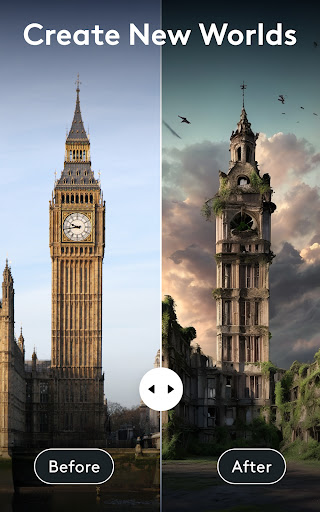
- Harness the power of the AI image generator to transform text descriptions into stunning visual art, bringing your wildest imagination to life instantly.
- Revitalize old photos with advanced retouching tools; enhance, sharpen, and colorize faded images to make them look like new, preserving precious memories.
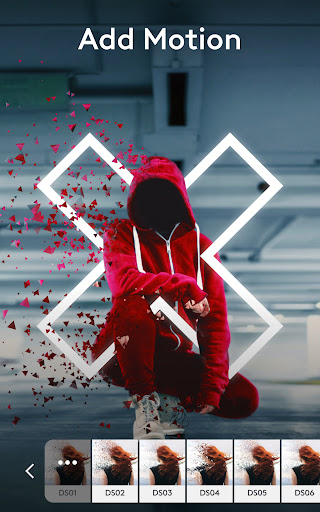
- Bring your photos to life with the Photo Animator feature, creating captivating 3D effects and motion from still images.
- Effortlessly replace backgrounds in your photos to create professional-looking packshots or add artistic flair to your images for social media sharing.
- Transform your selfies into unique works of art with AI avatars and diverse art styles, or create custom looks for yourself and your family.
Recent Improvements
Recent updates to Photoleap have focused on refining the user experience and expanding the AI capabilities, making creative expression more intuitive and powerful than ever. The integration of advanced neural networks for the AI art generator allows for more nuanced and imaginative creations from text prompts. Enhancements to the photo animation tools provide smoother motion and more dynamic 3D effects, turning ordinary pictures into captivating visual stories. Furthermore, the retouching and restoration features have been optimized for greater realism and ease of use, ensuring that revitalizing old photos or enhancing current ones is a seamless process.
User reviews
This app is seriously magical! ✨ I've been playing with the AI art generator, and it's mind-blowing how it turns my simple text ideas into actual art. The photo animation is also super fun for making my travel pics pop!
Finally found an app that does it all! I used Photoleap to restore some old family photos, and the results were incredible. The background replacement tool is also a lifesaver for my product shots. Highly recommend! 👍
 AI Image Generator - CreArtArt & Design
 ArtRage Vitae Mobile PaintingArt & Design
 Infinite DesignArt & Design
 Infinite PainterArt & Design
 Pixelcut AI Photo EditorArt & Design
 Symposia: Creative DiscourseArt & Design
 Desygner: Graphic Design MakerArt & Design
 VistaCreate: Graphic DesignArt & Design
 Pixilart - Make Pixel ArtArt & Design
 PENUP - Share your drawingsArt & Design
 starryai - AI Art GeneratorArt & Design
 Genie: Anime AI Art GeneratorArt & Design
 Bazaart Photo Editor & DesignArt & Design