

Voice Access✓
- Name :
- Voice Access
- Category:
- Tools
- Safety :
- 100% Safe
- Price:
- free
- Developer:
- Google LLC
- Download :
- 100M+
Screenshot
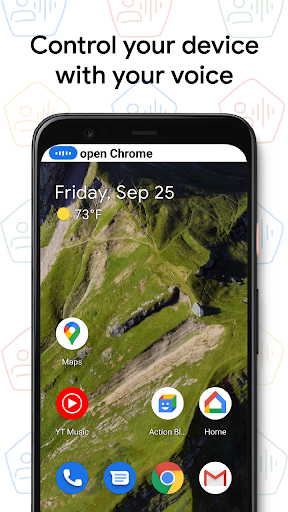
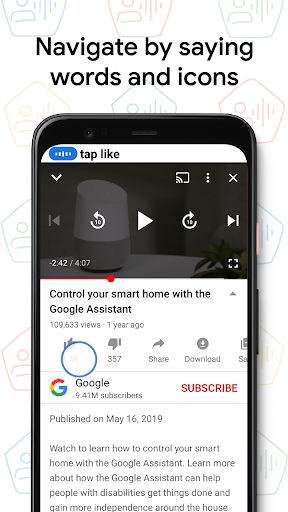
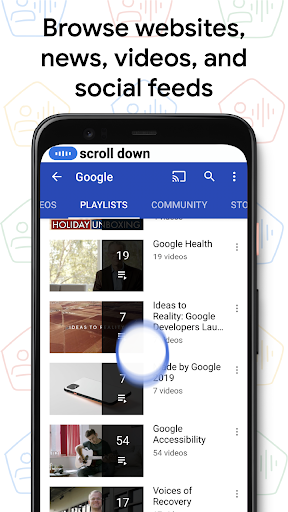
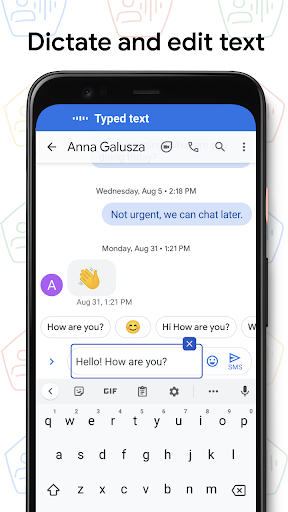
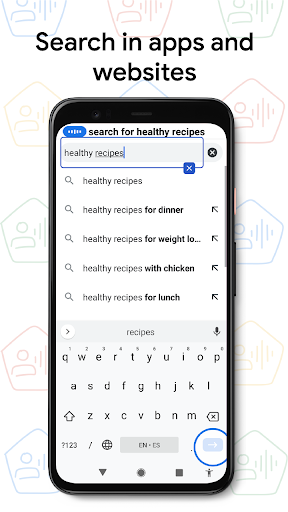
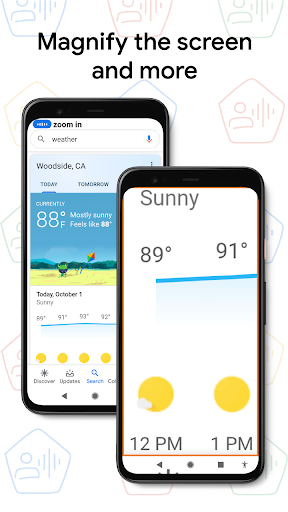
App Intro
Voice Access is a powerful Android application designed to empower individuals who face challenges interacting with touch screens. Whether due to paralysis, tremors, or temporary injuries, this app allows users to navigate and control their devices entirely through voice commands. It offers a comprehensive suite of spoken commands for basic navigation like going home or back, interacting with on-screen elements such as tapping buttons or scrolling content, and even performing text editing and dictation. The app is invaluable for enhancing digital accessibility, ensuring that a wider range of users can fully utilize their Android smartphones and tablets. For those seeking to regain independence in their device usage, Voice Access is a significant tool worth exploring.
Pros
- Enables full device control via voice.
- Improves accessibility for motor impairments.
- Intuitive commands for navigation and text.
- Hands-free operation for Android devices.
Feature Guides
- Navigate your device with simple voice commands: Say "go home," "go back," or "open [app name]" to move around your device effortlessly.
- Control on-screen elements hands-free: Use commands like "tap next," "scroll down," or "show numbers" to interact with apps and websites without touching your screen.
- Dictate and edit text by voice: Easily "type [your text]," "delete word," or "replace [old text] with [new text]" for seamless text input and correction.
- Access help anytime: Simply say "Help" to bring up a quick reference of available voice commands, making it easy to learn and use the app.
Recent Improvements
Recent updates to Voice Access have focused on refining the accuracy and responsiveness of voice commands, making the interaction feel more natural and less prone to errors. Improvements to the tutorial content now offer clearer guidance on initiating commands and managing listening states, ensuring new users can get started more quickly. The app also benefits from ongoing enhancements in its ability to recognize a wider variety of on-screen controls, expanding its compatibility with more applications and system interfaces.
User reviews
This app has been a lifesaver! I broke my dominant arm and thought I'd be stuck unable to use my phone properly. Voice Access lets me text, browse, and even play games. Seriously impressed with how well it works. 🙌
As someone with essential tremor, using my phone was becoming incredibly frustrating. Voice Access has given me back so much independence. It took a little practice, but now I can navigate everything smoothly. Highly recommend!
 AppLock LiteTools
 My OptusTools
 Fires Near Me AustraliaTools
 Service NSWTools
 Authenticator App - SafeAuthTools
 fitproTools
 AVG AntiVirus & SecurityTools
 Google Play StoreTools
 System Update for AndroidTools
 Move to iOSTools
 AZIP Master: ZIP / RAR, UnzipTools
 My SpectrumTools
 Cast for Chromecast & TV CastTools
 CoinSnap - Coin IdentifierTools
 DuckDuckGo Private BrowserTools
 TeraBox: Cloud Storage SpaceTools
 Fatic PlusTools
 MyRogersTools
 Google Find My DeviceTools
 Google TranslateTools