
Google Translate✓
- Name :
- Google Translate
- Category:
- Tools
- Safety :
- 100% Safe
- Price:
- free
- Developer:
- Google LLC
- Download :
- 1B+
Screenshot
App Intro
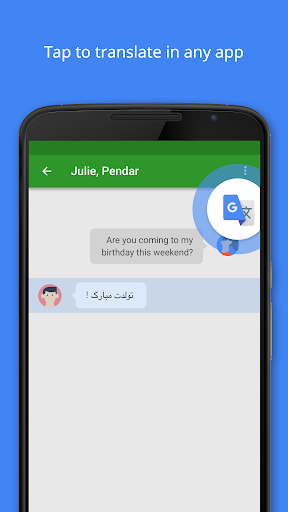
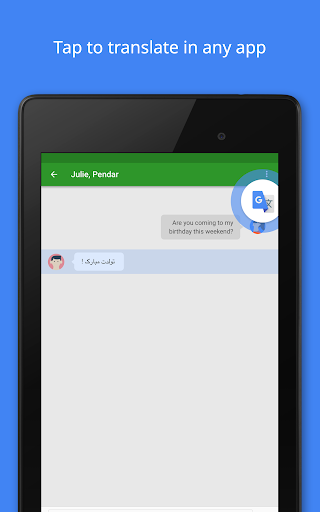
Google Translate remains an indispensable tool for anyone navigating multilingual environments, whether for travel, work, or simply expanding one's understanding of the world. This app offers a comprehensive suite of translation services, making it remarkably easy to bridge language barriers. With support for over 100 languages, its core functionality allows for quick text translations, but it extends far beyond simple typing. The convenience of 'Tap to Translate' means you can get instant translations from any other app without switching screens, a true game-changer for multitasking. For those on the go, the offline translation feature is a lifesaver, providing essential translations even without an internet connection. It's an invaluable asset for travelers who need to communicate or understand signs and menus in remote areas. For students and professionals alike, its robust features, including handwriting and camera translations, offer versatile ways to engage with foreign languages.
Pros
- Extensive language support for text translation.
- Offline translation available for many languages.
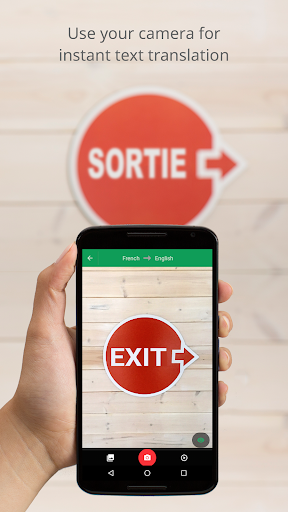
- Instant camera translation is very convenient.
- Real-time conversation translation simplifies communication.
- Phrasebook with cross-device syncing is a great feature.
Feature Guides
- Instantly translate text from images by simply pointing your camera, or import photos for higher-quality translations across numerous languages.
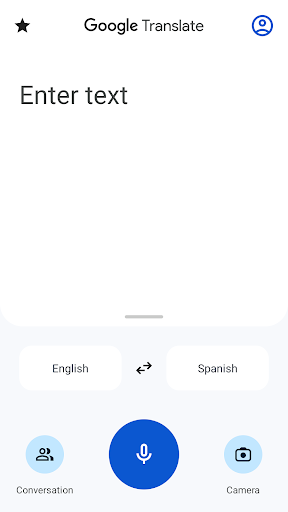
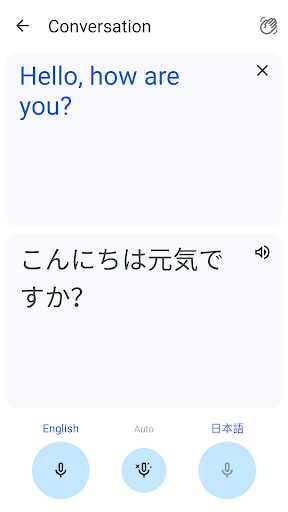
- Engage in real-time bilingual conversations with on-the-fly translation, making communication with speakers of different languages smooth and effortless.
- Translate text without an internet connection for up to 59 languages, ensuring you can communicate even when offline.
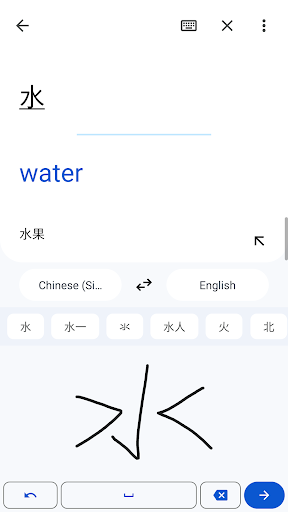
- Handwrite characters instead of typing for translation in many languages, a useful feature for those unfamiliar with certain scripts.
- Save and organize important translations in your Phrasebook, with cross-device syncing to access your saved phrases on both mobile and desktop.
Recent Improvements
Recent updates have focused on refining the accuracy and speed of real-time translation features, particularly for conversations and camera input. The app now offers more robust offline language packs, ensuring a more reliable experience when connectivity is limited. We've also observed enhanced performance in handwriting recognition, making it quicker and more intuitive to use. The overall user interface has seen subtle improvements, aiming for a cleaner look and easier navigation, especially within the phrasebook and settings. These refinements collectively contribute to a more seamless and efficient translation experience, solidifying its position as a leading translation utility.
User reviews
This app is a lifesaver when traveling abroad! 🌍 The camera translation works wonders on signs and menus. Definitely recommend it!
Super impressed with the offline capabilities. Used it extensively in an area with no signal and it worked perfectly. 👍
 AppLock LiteTools
 My OptusTools
 Fires Near Me AustraliaTools
 Service NSWTools
 Authenticator App - SafeAuthTools
 fitproTools
 AVG AntiVirus & SecurityTools
 Google Play StoreTools
 System Update for AndroidTools
 Move to iOSTools
 AZIP Master: ZIP / RAR, UnzipTools
 My SpectrumTools
 Cast for Chromecast & TV CastTools
 CoinSnap - Coin IdentifierTools
 DuckDuckGo Private BrowserTools
 TeraBox: Cloud Storage SpaceTools
 Fatic PlusTools
 MyRogersTools
 Voice AccessTools
 Google Find My DeviceTools