

Pushbullet: SMS on PC and more✓
- Name :
- Pushbullet: SMS on PC and more
- Category:
- Productivity
- Safety :
- 100% Safe
- Price:
- free
- Developer:
- Pushbullet
- Download :
- 5M+
Screenshot
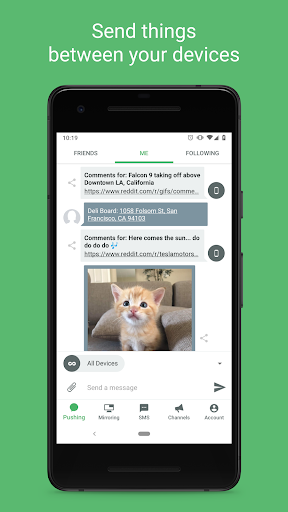
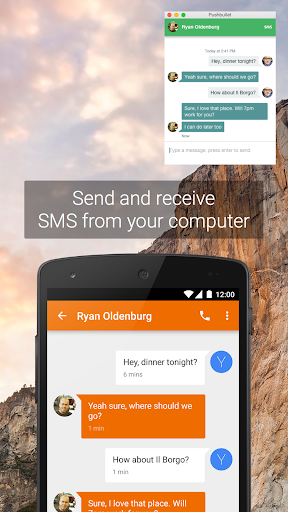
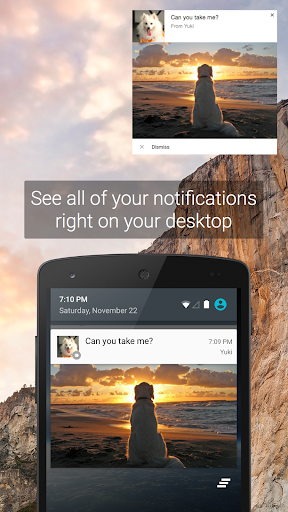
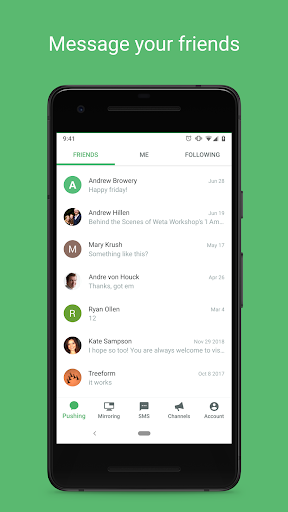
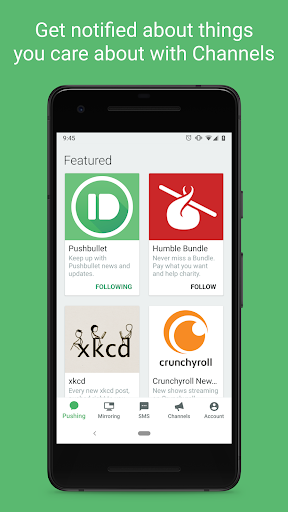
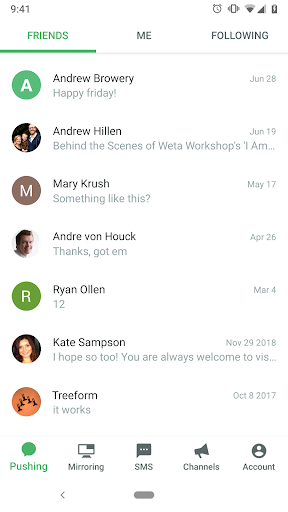
App Intro
Pushbullet is an indispensable tool designed to bridge the gap between your phone and computer, making your digital life more seamless. This app allows you to send and receive SMS messages directly from your computer, reply to popular messaging apps like WhatsApp and Facebook Messenger, and effortlessly share links and files across your devices or with friends. It ensures you never miss important notifications by displaying them on your computer, including phone calls, and allows you to dismiss them from either device. For those who frequently switch between their phone and computer, Pushbullet is a genuine time-saver, enabling you to text using your keyboard or quickly transfer files and links. Praised by tech publications like CNET and Gizmodo, it's an app that millions have found incredibly useful, offering secure, end-to-end encrypted communication.
Pros
- Seamless SMS and message handling from your computer.
- View and manage phone notifications on your PC.
- Effortless file and link sharing between devices.
- Saves significant time by reducing device switching.
- Secure with end-to-end encryption for privacy.
Feature Guides
- Send and receive SMS messages directly from your computer, streamlining your communication without needing to constantly check your phone.
- Stay updated with all your phone notifications, including calls and messages from apps like WhatsApp, right on your computer screen. Dismissing a notification on your PC also removes it from your phone.
- Effortlessly share links, files, and notes between your computer and phone with a simple push, making it easy to transfer information on the go or collaborate with others.
- Subscribe to timely updates via Pushbullet Channels for topics you care about, ensuring you receive important information as it happens.
Recent Improvements
Recent updates have focused on enhancing the core functionality of Pushbullet, making cross-device communication even smoother. We've refined the notification mirroring system to be more reliable, ensuring you receive and can act on alerts from your phone without delay. File sharing capabilities have also seen improvements, with faster transfer speeds and broader compatibility across different file types. The user interface has been tweaked for better intuitiveness, making it quicker to find the features you need. Security remains a top priority, with ongoing enhancements to our end-to-end encryption protocols to keep your data safe.
User reviews
This app is a lifesaver! I can text from my computer and see all my important notifications without grabbing my phone constantly. It's so convenient, especially when I'm deep into work. Highly recommend! 👍
I was skeptical at first, but Pushbullet quickly became essential. Sharing links and files between my laptop and phone is incredibly easy. The notification mirroring is also spot on. Great job! ✨
 Perplexity - Ask AnythingProductivity
 DAVx⁵ – CalDAV CardDAV WebDAVProductivity
 myGovProductivity
 Express Plus CentrelinkProductivity
 myGovIDProductivity
 AI Speech Chatbot Text & VoiceProductivity
 CompanyCamProductivity
 AOL: Email News Weather VideoProductivity
 Easy Voice Recorder ProProductivity
 Email - Fast & Secure MailProductivity
 Lookout - Assisted visionProductivity
 Google AssistantProductivity
 Google DriveProductivity
 Google CalendarProductivity
 Instabridge: WiFi MapProductivity
 ChatAI:AI Chatbot PlusProductivity
 LiveChat - Customer serviceProductivity
 Link to WindowsProductivity
 MiXplorer Silver File ManagerProductivity
 Penly: Digital Planner & NotesProductivity