
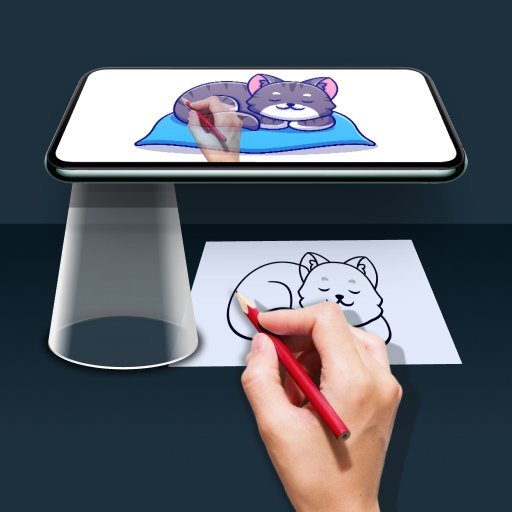
Draw Easy: Trace to Sketch✓
- Name :
- Draw Easy: Trace to Sketch
- Category:
- Tools
- Safety :
- 100% Safe
- Price:
- free
- Developer:
- Kraph Tech
- Download :
- 1M+
Screenshot
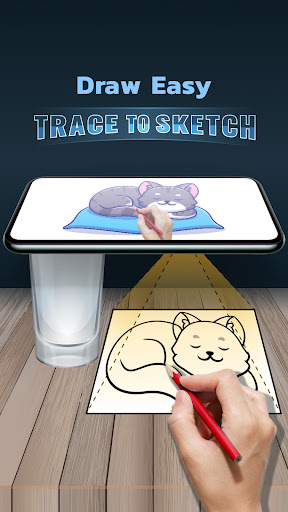
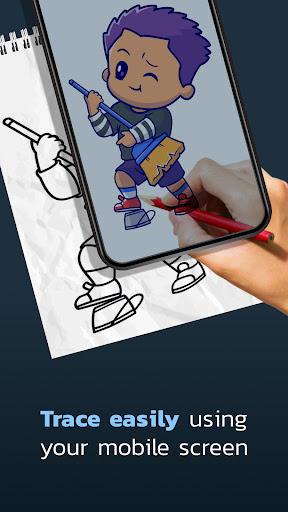
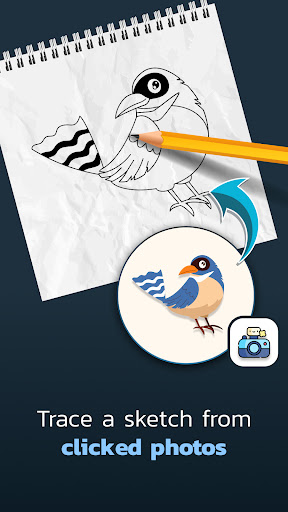
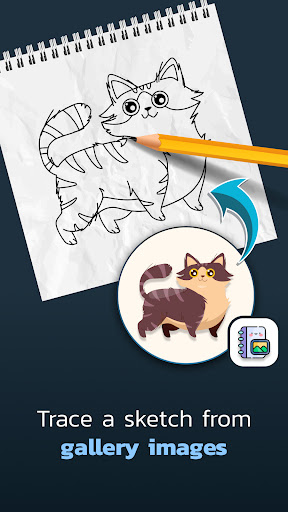
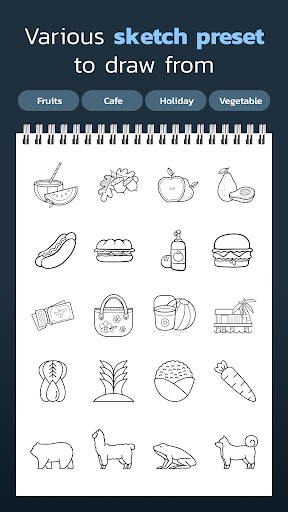
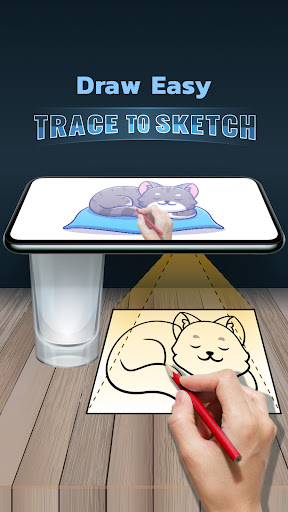
App Intro
Tracing is a unique application designed to help aspiring artists and hobbyists learn drawing and tracing by transforming any image into a guide. Whether you have a favorite photograph or a piece of artwork you'd like to replicate, this app simplifies the process. It allows you to project a transparent version of your chosen image onto your camera's view, enabling you to place your drawing paper over your device and trace the lines with ease. This method is particularly useful for beginners looking to develop their sketching skills, understand proportions, and improve their line control. It bridges the gap between seeing an image and being able to draw it, making the learning curve for drawing much more accessible and enjoyable. If you've ever admired intricate drawings and wished you could create something similar, this app offers a straightforward path to achieving that goal.
Pros
- Transforms photos into traceable outlines easily.
- Uses camera for real-time tracing guidance.
- Ideal tool for learning drawing fundamentals.
- Supports images from gallery and camera.
- Simple and intuitive interface for all users.
Feature Guides
- Transform any photo or artwork into a traceable outline. Simply select an image from your gallery or capture a new one with your camera.
- Utilize your device's camera to project a transparent overlay of your selected image. This feature allows you to accurately trace by placing your drawing paper directly over your phone or tablet.
- Learn and practice drawing skills by tracing. The app provides a clear, guided experience for users of all levels, from absolute beginners to those looking to refine their technique.
- Easily convert complex images into simple line art, making them manageable for tracing and drawing practice. This is perfect for developing hand-eye coordination and artistic perception.
Recent Improvements
Recent updates have focused on enhancing the user experience with subtle refinements to the image filtering process, ensuring a clearer and more stable projection for tracing. We've also optimized the app's performance for a smoother operation, reducing any potential lag when using the camera feed. Additionally, feedback regarding image selection has been incorporated, making it quicker to access and choose photos from your device's gallery. These adjustments aim to make the tracing and drawing process as seamless and intuitive as possible for all users, fostering a more enjoyable creative journey.
User reviews
This app is a game-changer for anyone wanting to improve their drawing skills! I've always struggled with accuracy, but being able to trace over photos with my phone has made such a difference. It’s surprisingly easy to use and has boosted my confidence a lot. Highly recommend for beginners! 👍
I love how simple this tracing app is. Just pick a picture, apply the filter, and trace away. It's perfect for sketching out ideas or just practicing my lines. The camera overlay works really well, and I've been able to create some neat drawings thanks to it. 🤩
 AppLock LiteTools
 My OptusTools
 Fires Near Me AustraliaTools
 Service NSWTools
 Authenticator App - SafeAuthTools
 fitproTools
 AVG AntiVirus & SecurityTools
 Google Play StoreTools
 System Update for AndroidTools
 Move to iOSTools
 AZIP Master: ZIP / RAR, UnzipTools
 My SpectrumTools
 Cast for Chromecast & TV CastTools
 CoinSnap - Coin IdentifierTools
 DuckDuckGo Private BrowserTools
 TeraBox: Cloud Storage SpaceTools
 Fatic PlusTools
 MyRogersTools
 Voice AccessTools
 Google Find My DeviceTools