

QuickEdit Text Editor Pro✓
- Name :
- QuickEdit Text Editor Pro
- Category:
- Productivity
- Safety :
- 100% Safe
- Price:
- 3.99
- Developer:
- Rhythm Software
- Download :
- 100K+
Screenshot
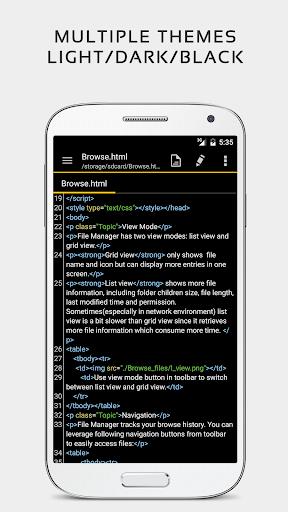
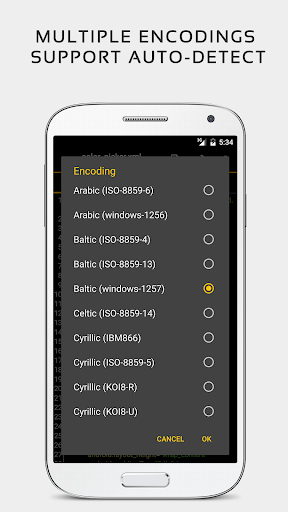
App Intro
QuickEdit text editor emerges as a robust and remarkably swift solution for anyone needing to handle text files, whether for casual note-taking or professional coding. Its design prioritizes speed and stability, making it perform admirably on both smartphones and tablets. This app transcends the limitations of a basic notepad, offering advanced features like syntax highlighting for over 50 programming languages and an integrated online compiler that supports more than 30 languages. Its performance is a standout feature, handling large files exceeding 10,000 lines without any noticeable lag. For developers, students, writers, or anyone who frequently works with text, QuickEdit provides a streamlined and efficient environment, proving itself a worthy download for its comprehensive capabilities and smooth user experience.
Pros
- Fast performance, even with large files.
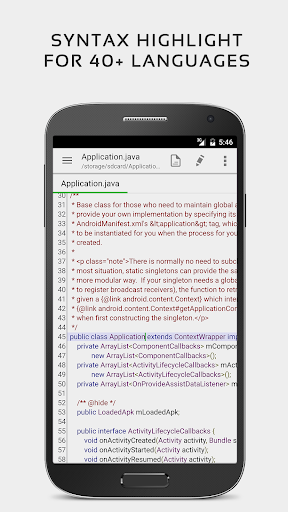
- Syntax highlighting for 50+ programming languages.
- Integrated online compiler for multiple languages.
- Cloud storage and FTP file access.
- Unlimited undo/redo functionality.
Feature Guides
- Code editor with syntax highlighting for over 50 languages, making it versatile for programmers. It also includes an online compiler for over 30 languages, allowing you to compile and run code directly from the app.
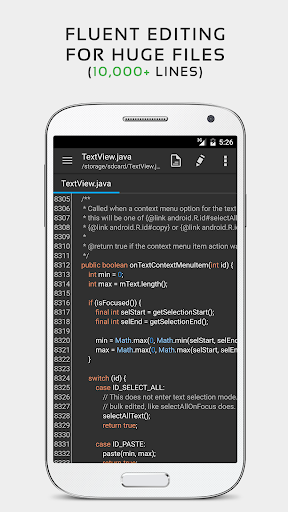
- Handles large text files with ease, even those with more than 10,000 lines, ensuring a smooth experience without lag.
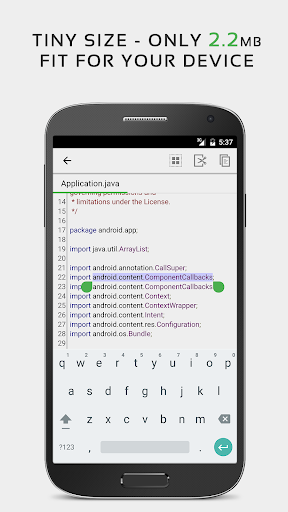
- Offers unlimited undo and redo functionality, alongside advanced editing tools like line indentation control, fast selection, and quick search and replace.
- Supports cloud storage integration (Google Drive, Dropbox, OneDrive) and FTP, allowing you to access and edit files from various locations seamlessly.
- Provides a customizable interface with light and dark themes, adjustable fonts, and line number display, catering to user preference and comfort.
Recent Improvements
Recent updates have focused on refining the overall user experience, particularly in how the app handles large files and multiple open tabs, ensuring even greater stability. Performance optimizations continue to be a priority, leading to a snappier interface and faster response times when performing complex operations like search and replace. The syntax highlighting engine has also seen subtle improvements, offering more accurate recognition for a wider range of coding languages, enhancing its utility for developers.
User reviews
This is my go-to text editor on Android! Handles large code files like a champ, and the syntax highlighting is superb. Love the dark theme too. 💯
Finally, a text editor that's fast and doesn't crash. The ability to compile code directly in the app is a lifesaver for quick tests. Highly recommend! 👍
 Perplexity - Ask AnythingProductivity
 DAVx⁵ – CalDAV CardDAV WebDAVProductivity
 myGovProductivity
 Express Plus CentrelinkProductivity
 myGovIDProductivity
 AI Speech Chatbot Text & VoiceProductivity
 CompanyCamProductivity
 AOL: Email News Weather VideoProductivity
 Easy Voice Recorder ProProductivity
 Email - Fast & Secure MailProductivity
 Lookout - Assisted visionProductivity
 Google AssistantProductivity
 Google DriveProductivity
 Google CalendarProductivity
 Instabridge: WiFi MapProductivity
 ChatAI:AI Chatbot PlusProductivity
 LiveChat - Customer serviceProductivity
 Link to WindowsProductivity
 MiXplorer Silver File ManagerProductivity
 Penly: Digital Planner & NotesProductivity