

AnyDesk Remote Desktop✓
- Name :
- AnyDesk Remote Desktop
- Category:
- Business
- Safety :
- 100% Safe
- Price:
- free
- Developer:
- AnyDesk Software GmbH
- Download :
- 50M+
Screenshot
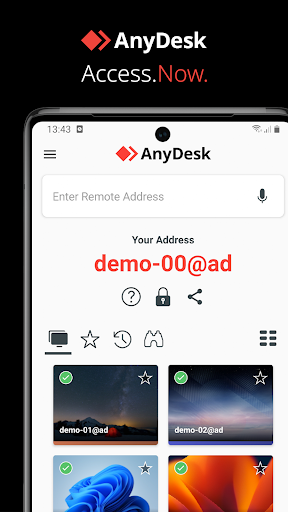
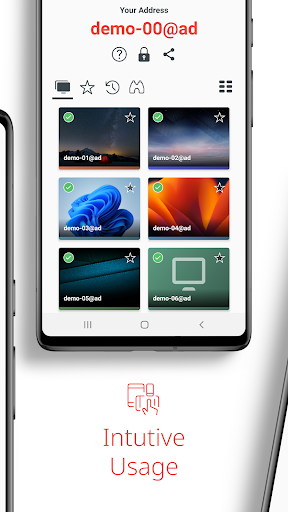
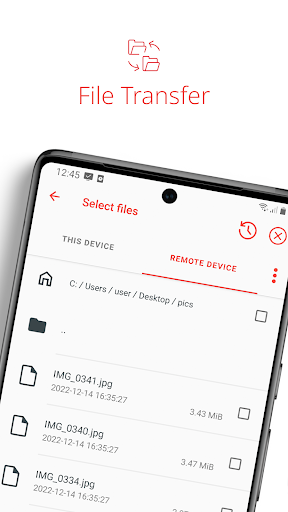
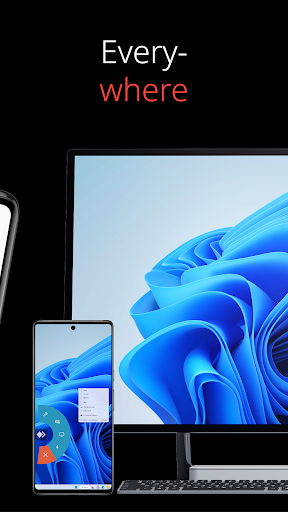
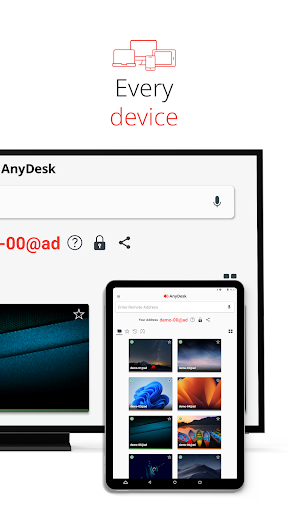
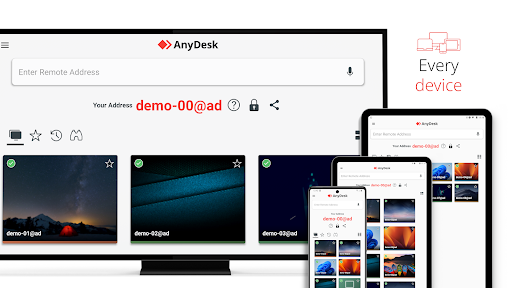
App Intro
AnyDesk is a powerful and versatile remote desktop application designed to provide seamless and secure access to computers from anywhere in the world. Its core functionality revolves around enabling users to connect to and control other devices remotely, making it an invaluable tool for IT support professionals, individuals working from home, and students engaged in remote learning. The software prioritizes speed and reliability, offering high frame rates and low latency for a smooth user experience. With robust security features, including banking-standard encryption, AnyDesk ensures that connections are protected. It's also ad-free and available for personal use at no cost, a significant draw for many users, while offering commercial solutions for businesses. The cross-platform compatibility means it works across various operating systems and devices, broadening its appeal and utility.
Pros
- Fast and reliable remote connections.
- Free for personal use.
- Cross-platform compatibility.
- Strong security features.
- Easy to set up and use.
Feature Guides
- Seamless file transfer capabilities allow you to move documents and data between your local and remote devices effortlessly.
- Remote printing support ensures you can print documents from your remote session to a printer connected to your local machine, enhancing productivity.
- Wake-On-LAN functionality enables you to power on a remote computer over the network, ensuring it's ready when you need it, even if it was previously shut down.
- Cross-platform compatibility ensures you can connect to and from virtually any operating system, including Windows, macOS, Linux, iOS, and Android.
Recent Improvements
Recent updates to AnyDesk have focused on refining the user experience and bolstering security protocols. Performance enhancements have been implemented to further reduce latency, making remote interactions feel even more immediate and fluid. The interface has seen subtle but effective tweaks, improving navigation and making common actions more accessible. Additionally, ongoing work has strengthened the underlying encryption and connection stability, ensuring a consistently reliable and secure remote session. These refinements contribute to an overall smoother and more trustworthy remote assistance experience for all users, whether for personal or professional use.
User reviews
This app is a lifesaver! I can finally help my parents with their computer problems from miles away. Super easy to set up and the connection is surprisingly stable. Highly recommend! 👍
Used AnyDesk for remote work and it's fantastic. The performance is top-notch, very responsive even with a slower connection. File transfer is also a breeze. Definitely worth it.
 SlackBusiness
 Amazon ChimeBusiness
 Amazon SellerBusiness
 Wabi - Virtual Phone NumberBusiness
 Asana: Work in one placeBusiness
 BlueJeans Video ConferencingBusiness
 iScanner - PDF Scanner AppBusiness
 RemindersBusiness
 Cloud Cover MusicBusiness
 Crew Messaging and SchedulingBusiness
 CES 2024Business
 Duo MobileBusiness
 Free Conference CallBusiness
 Indeed Job SearchBusiness
 JetSign: Fill & Sign PDF FormsBusiness
 Microsoft TeamsBusiness
 OfficeSuite Pro + PDFBusiness
 PDF Extra: Scan, Edit & OCRBusiness
 Shipt Shopper: Shop for PayBusiness
 SiriusXM DealerBusiness