

OfficeSuite Pro + PDF✓
- Name :
- OfficeSuite Pro + PDF
- Category:
- Business
- Safety :
- 100% Safe
- Price:
- 29.99
- Developer:
- MobiSystems
- Download :
- 1M+
Screenshot
App Intro
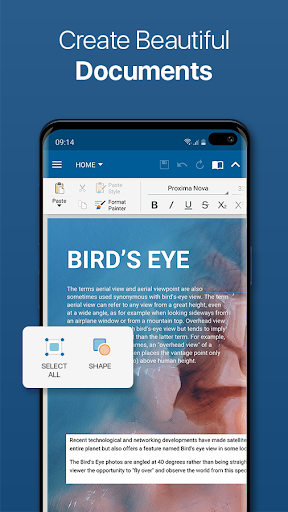
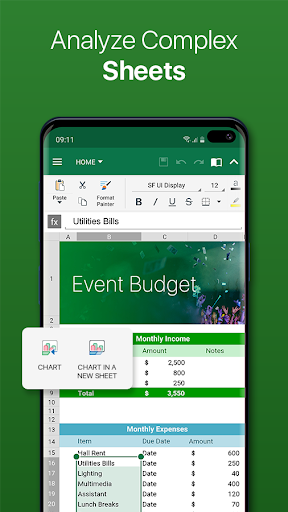
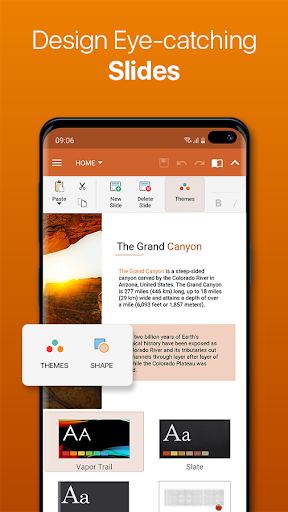
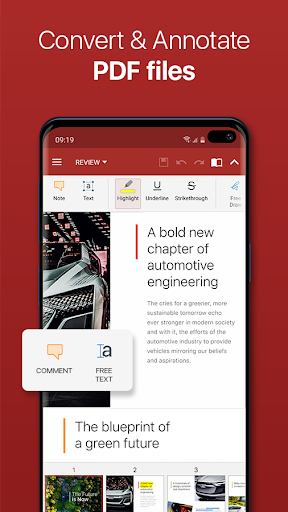
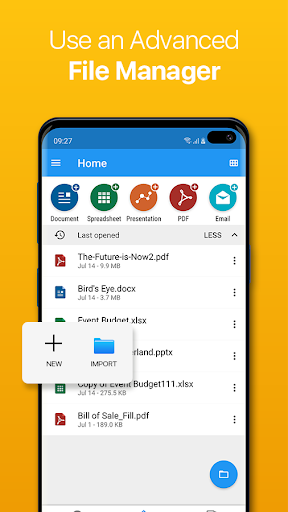
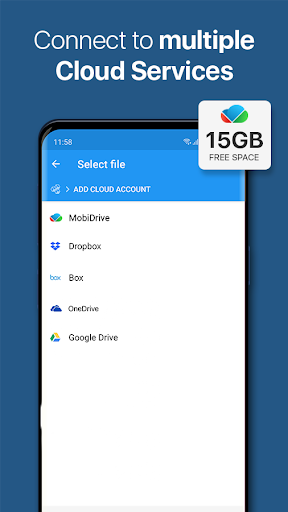
OfficeSuite Pro stands out as a robust and versatile mobile office suite, designed for users who need to manage documents on the go. It offers a comprehensive set of tools for viewing, editing, and creating Word, Excel, and PowerPoint files, making it a powerful alternative to desktop applications. Beyond basic editing, it boasts extensive PDF capabilities, including scanning, conversion, and form filling, alongside seamless file management through integration with File Commander and cloud services like MobiSystems Drive. This app is ideal for professionals, students, and anyone requiring a full-featured office solution on their Android device, aiming to boost productivity without compromising on functionality. Its award-winning status and widespread pre-installation by top manufacturers underscore its reliability and widespread adoption.
Pros
- Full Microsoft Office file compatibility.
- Robust PDF editing and conversion tools.
- Integrated cloud storage and sharing.
- Desktop-like interface for ease of use.
- Advanced security features in Pro version.
Feature Guides
- Experience a familiar desktop-like interface for seamless document creation and editing across Word, Excel, and PowerPoint formats, ensuring full compatibility with Microsoft Office files.
- Leverage extensive PDF functionalities, including camera scanning, export options, and the ability to fill and sign digital forms, enhancing document management and security.
- Stay connected and collaborate efficiently with OfficeSuite Chats, allowing real-time document exchange and communication directly within the app.
- Benefit from integrated spell-checking in over 40 languages and seamless sharing via major cloud services and direct sharing options, streamlining your workflow.
- Enjoy enhanced productivity features like split-screen multitasking (Android 7+), Quick access notifications, and improved mouse support for Chromebooks.
Recent Improvements
Recent updates have focused on enhancing user collaboration and accessibility. The introduction of OfficeSuite Chats provides a streamlined way to communicate and share documents directly from the app. Further refinements include easier sign-in options via phone number and improved compatibility with Apple's iWork suite, ensuring a broader range of document support. The overall user experience has been polished with new themes and a focus on split-screen functionality for multi-tasking, making document management more intuitive and efficient.
User reviews
This app is a lifesaver for staying productive on the go! I love how seamlessly it handles all my Word and Excel files. The PDF editing is surprisingly powerful too. 💯
Finally, a mobile office suite that doesn't feel like a compromise. Editing presentations is a breeze, and the integration with Google Drive is flawless. Highly recommend! 👍
 SlackBusiness
 Amazon ChimeBusiness
 Amazon SellerBusiness
 AnyDesk Remote DesktopBusiness
 Wabi - Virtual Phone NumberBusiness
 Asana: Work in one placeBusiness
 BlueJeans Video ConferencingBusiness
 iScanner - PDF Scanner AppBusiness
 RemindersBusiness
 Cloud Cover MusicBusiness
 Crew Messaging and SchedulingBusiness
 CES 2024Business
 Duo MobileBusiness
 Free Conference CallBusiness
 Indeed Job SearchBusiness
 JetSign: Fill & Sign PDF FormsBusiness
 Microsoft TeamsBusiness
 PDF Extra: Scan, Edit & OCRBusiness
 Shipt Shopper: Shop for PayBusiness
 SiriusXM DealerBusiness