

Zoom for Chrome - PWA✓
- Name :
- Zoom for Chrome - PWA
- Category:
- Business
- Safety :
- 100% Safe
- Price:
- free
- Developer:
- zoom.us
- Download :
- 1M+
Screenshot
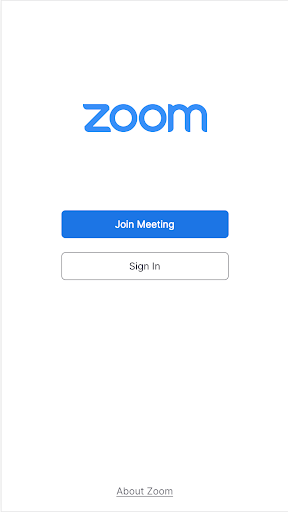
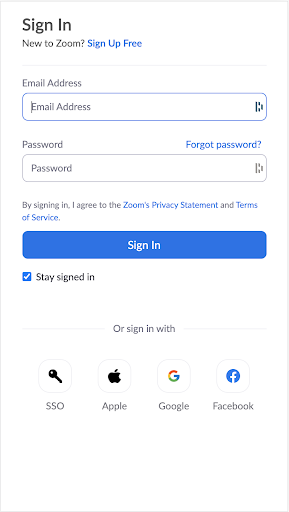

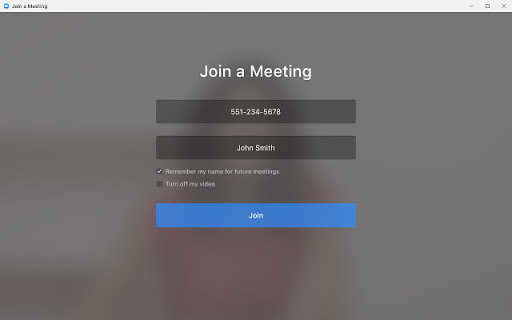
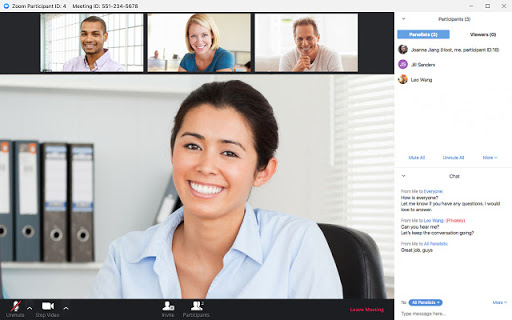
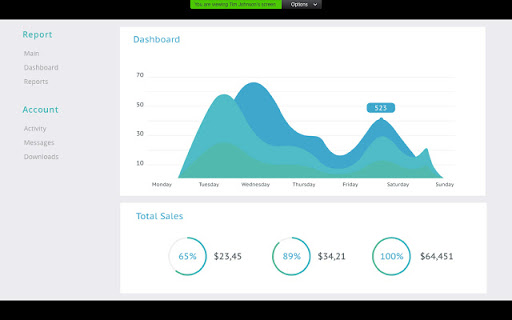
App Intro
The Zoom for Chrome Progressive Web App (PWA) offers a streamlined and efficient video conferencing solution specifically designed for Chrome OS devices. It brings the power of Zoom directly to your Chromebook, providing a dedicated, web-based application that enhances both performance and user experience. Whether you're attending virtual classes, participating in remote work meetings, or connecting with family and friends, this app ensures high-quality, secure video calls. Its straightforward interface makes it incredibly easy to get started – simply download the app, log in, and you're ready to join or host meetings. With support for up to 100 video participants, it's a robust tool for both personal and professional communication. This PWA is an excellent choice for anyone relying on a Chrome OS device for their daily communication needs, offering a native-like feel and optimized functionality.
Pros
- Optimized for Chrome OS devices.
- Seamless integration with Chrome browser.
- Automatic updates ensure latest features.
- High-quality and secure video meetings.
- Simple and intuitive user interface.
Feature Guides
- Experience a purpose-built, web-based application optimized for your Chrome desktop, delivering a smoother and more responsive interface tailored for Chrome OS.
- Benefit from an enhanced feature set and improved performance, ensuring your video meetings are stable and productive, even with larger groups.
- Enjoy automatic updates that keep your app current with the latest features and security patches without any manual intervention, always ensuring you have the best experience.
- Admins can leverage remote installation options for centralized configuration and enhanced security management across multiple devices, simplifying deployment and control.
- Getting started is incredibly simple: download the app, log in or join a meeting, and you're all set for seamless communication.
Recent Improvements
Recent updates to the Zoom PWA for Chrome have focused on refining the overall user experience and bolstering performance. Users will notice a more responsive interface, particularly during larger meetings, and quicker connection times. The development team has been diligently working on integrating more of the desktop client's robust features into this web-based version, aiming for parity and ease of use. Stability enhancements have also been a priority, leading to fewer interruptions and a more reliable connection throughout your calls. These refinements ensure that the Zoom PWA remains a top-tier communication tool for Chrome OS users, providing a dependable and feature-rich platform.
User reviews
This app is a game-changer for my Chromebook! Meetings are so much smoother now, and I love that it updates automatically. Definitely recommend! 👍
Finally, a proper Zoom experience on my school-issued Chromebook. It's easy to use during classes and the video quality is surprisingly good. 🤩
 SlackBusiness
 Amazon ChimeBusiness
 Amazon SellerBusiness
 AnyDesk Remote DesktopBusiness
 Wabi - Virtual Phone NumberBusiness
 Asana: Work in one placeBusiness
 BlueJeans Video ConferencingBusiness
 iScanner - PDF Scanner AppBusiness
 RemindersBusiness
 Cloud Cover MusicBusiness
 Crew Messaging and SchedulingBusiness
 CES 2024Business
 Duo MobileBusiness
 Free Conference CallBusiness
 Indeed Job SearchBusiness
 JetSign: Fill & Sign PDF FormsBusiness
 Microsoft TeamsBusiness
 OfficeSuite Pro + PDFBusiness
 PDF Extra: Scan, Edit & OCRBusiness
 Shipt Shopper: Shop for PayBusiness